Heart rate on tracks
You can record a track on a Garmin while wearing a Fitbit, for example. After the track is imported and Google Health has synced, MTL Explorer adds your heart rate to the track by matching the times. The two devices don't need to be connected.
This needs a track with real timestamps and heart-rate data for the same time.
On this page
Where you see it
- Overview: average, minimum, and maximum heart rate. The normal average includes stops; the moving average only counts time in motion.
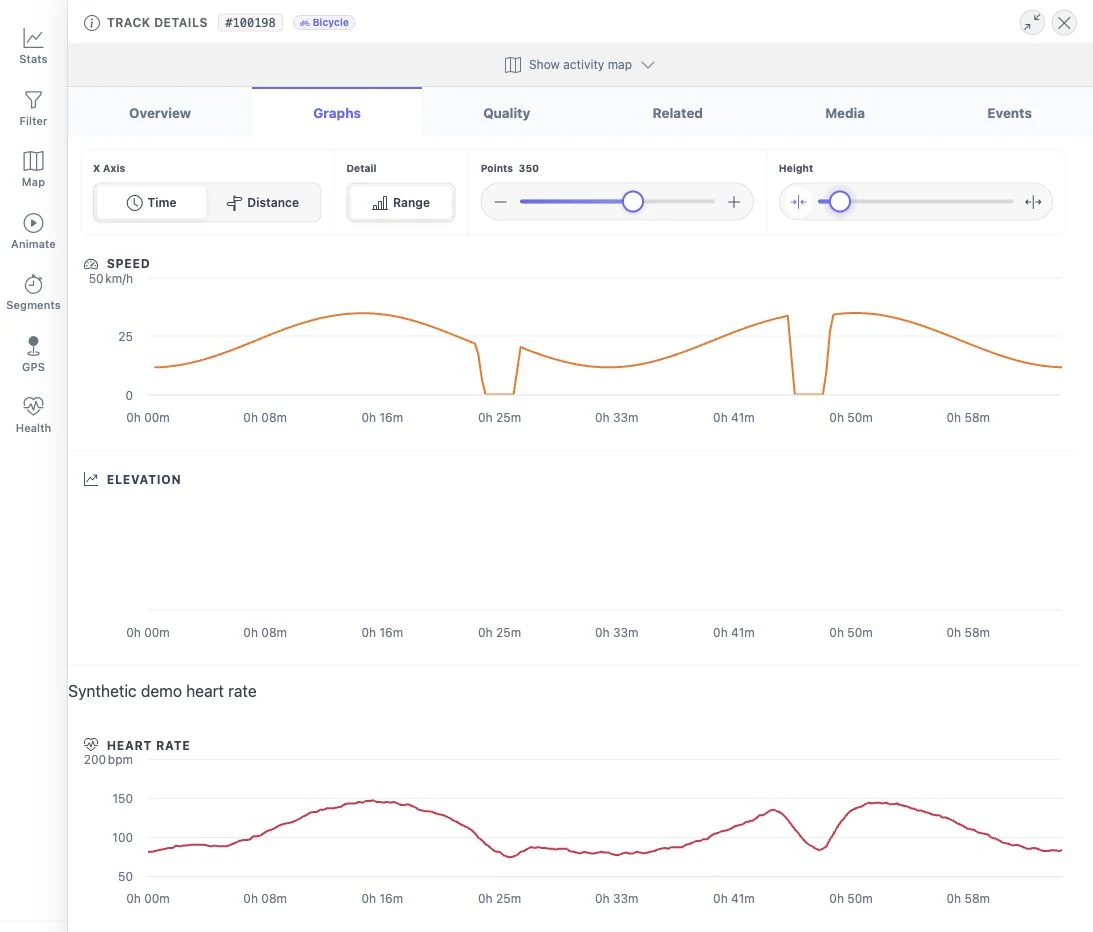
- Graphs: heart rate next to speed and elevation. Parts without heart-rate data stay empty.
- Segments: average heart rate per attempt, and cardiac cost (heartbeats per unit of work). This compares heart rate with the estimated work; it is not a fitness score.
Your health data stays on your own installation. See segment analysis and motion analysis for the calculations.